
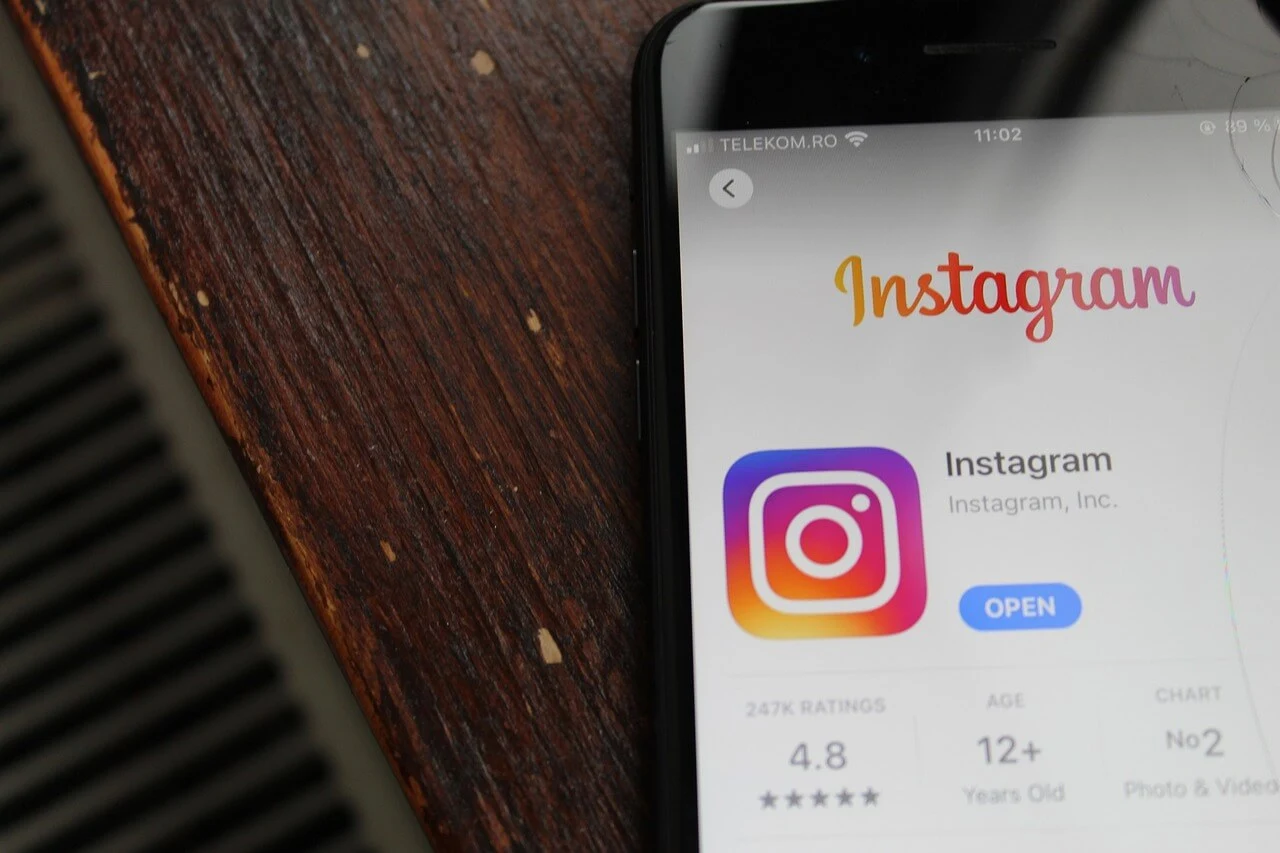
Music has played a huge role in TikTok’s success, with many music publishers and artists focusing on the app to reach audiences. However, if TikTok is forced to leave the U.S. next year as suggested by recent legislation, Instagram aims to step in as the new go-to platform for music enthusiasts with their new music features . Instagram’s Music Push Recently, Instagram has been rolling out several new music features: One of Instagram’s latest experiments is integrating with Spotify. This feature would let users display the song they’re currently listening to in their Instagram Notes, giving friends a peek into their musical tastes. You can choose to share this or keep it private, depending on your preference. Why Instagram Could Be the New Music Hub If TikTok does exit the U.S., Instagram is in a prime position to capture the music-loving audience. Unlike Snapchat, which focuses more on private sharing, Instagram’s public platform and new music features make it a strong contender for music discovery and discussion. The Future of TikTok Currently, TikTok faces a sell-off bill set to take effect early next year, potentially forcing it out of the U.S. market unless it sells to an American company. With Chinese authorities resistant to such a sale, Instagram might become the main platform for music content and trends if TikTok leaves. As Instagram continues to enhance its music features, it could become an even more valuable space for music lovers and industry professionals alike. Read: Optimize Your Website for Local Search in 2024: A Simple Guide

Optimize Your Website for Local Search in 2024: A Simple Guide
Local SEO can be overwhelming, but you don’t need to be a tech expert to improve your ranking on Google. The goal of SEO is to connect searchers with quality businesses, so if you offer a great product or service and a stellar customer experience, you’re already halfway there. Here’s a straightforward guide to help you optimize your webiste for local SEO without getting lost in technical details. 1. Claim Your Google Business Profile Setting up a Google Business Profile is crucial. This profile helps your business appear in local search results and the map pack. Make sure your profile includes: 2. Create Location and Service Pages If you have multiple locations or offer various services, create separate pages for each. Ensure each page has unique content to avoid duplicate content penalties. Include details like local staff, reviews, and photos to make each page distinctive. By tailoring content specifically to the location or service, you can better connect with your audience and address their unique needs, which also boosts user engagement and conversion rates. Moreover, these dedicated pages enhance your local SEO by allowing you to target location-specific or service-specific keywords more effectively. Consider adding localized testimonials or case studies that showcase your expertise and success in that particular area or service. This not only adds credibility but also personalizes the user experience, making visitors more likely to trust and choose your business. 3. Perform Keyword Research Identify keywords that potential customers might use to find your business. Use tools like Ahrefs or SEMrush to discover high-volume keywords related to your products or services. Target one primary keyword per page and use it in titles, meta descriptions, and throughout the content. In addition to primary keywords, consider long-tail keywords and questions your audience might ask, as these can capture more specific search intents. Don’t forget to analyze competitors’ keywords and understand what they’re ranking for. This insight can help you find gaps in your content and opportunities to outperform them in search results. Regularly revisiting your keyword strategy ensures that your content remains relevant and competitive, adapting to shifts in search trends and user behavior. 4. Optimize On-Page SEO Ensure each page is optimized for its primary keyword. Include the keyword in the title tag, meta description, and headers (H1, H2, H3). Provide detailed and relevant content that answers common questions and meets user needs. Additionally, use variations of your primary keyword to avoid keyword stuffing and to cover more search queries. Enhance your on-page SEO by improving page load speeds, ensuring mobile-friendliness, and incorporating multimedia elements like images and videos, all of which contribute to a better user experience. Don’t forget to optimize your images by using descriptive alt tags, as this helps with both accessibility and image search rankings. 5. Add Internal Links Help users and search engines navigate your site by linking related pages together. Ensure that important pages are accessible within two or three clicks from the homepage. Internal links also distribute page authority across your site, helping lower-priority pages rank better in search results. When creating internal links, use descriptive anchor text that clearly indicates the linked content’s subject. This practice not only improves user experience but also gives search engines better context about your pages, aiding in the correct indexing and ranking of your content. Regularly audit your site to ensure your internal linking structure remains efficient and relevant as your content evolves. 6. Implement Local Business Schema Use schema markup to help Google understand your business details. This structured data can enhance your search visibility and make your business more prominent in local search results. Properly implemented schema markup can lead to rich snippets, which improve click-through rates by providing users with more information upfront. Beyond the basics of local business schema, consider adding additional schema types like product, service, or event schema, depending on what’s relevant to your business. This further enhances your chances of appearing in relevant search results and can drive more targeted traffic to your site. Keep your schema markup updated to reflect any changes in your business details, ensuring that search engines always have the most accurate information. 7. List Your Business in Local Directories Add your business to local directories like Yelp and Angie’s List. Consistent Name, Address, and Phone number (NAP) across directories boost credibility and search ranking. Encourage customers to leave reviews on these platforms. Ensure your business categories, hours of operation, and descriptions are consistent and accurate to avoid confusion. In addition to major directories, seek out niche or industry-specific directories that cater to your target audience. These platforms can provide high-quality backlinks and drive more qualified leads to your site. Regularly monitor your listings to respond to reviews, update information, and ensure there are no inaccuracies or duplicates that could negatively impact your SEO. 8. Earn Local Backlinks Backlinks from reputable and local websites can boost your SEO. Engage with your community through events, sponsorships, and collaborations to earn valuable local backlinks. These links signal to search engines that your business is trusted and relevant within your geographic area. You can also reach out to local bloggers, news outlets, or industry influencers to feature your business in their content. Offering to write guest posts or providing expert opinions on local issues can earn you high-quality backlinks while establishing your business as a thought leader in the community. Regularly check the quality of your backlinks to ensure they come from reputable sources, as low-quality links can harm your SEO efforts. 9. Generate Customer Reviews Encourage satisfied customers to leave reviews. Positive reviews not only improve credibility but also help with rankings. Make it easy for customers to review your business via in-person requests, emails, or website instructions. Engaging with these reviews, whether positive or negative, demonstrates your commitment to customer service and can further enhance your reputation. Responding to reviews also provides an opportunity to incorporate keywords and reinforce your local presence, which can benefit your SEO. Highlight positive reviews in your marketing
The Perfect Blog Post Length for SEO: Finding the Right Balance
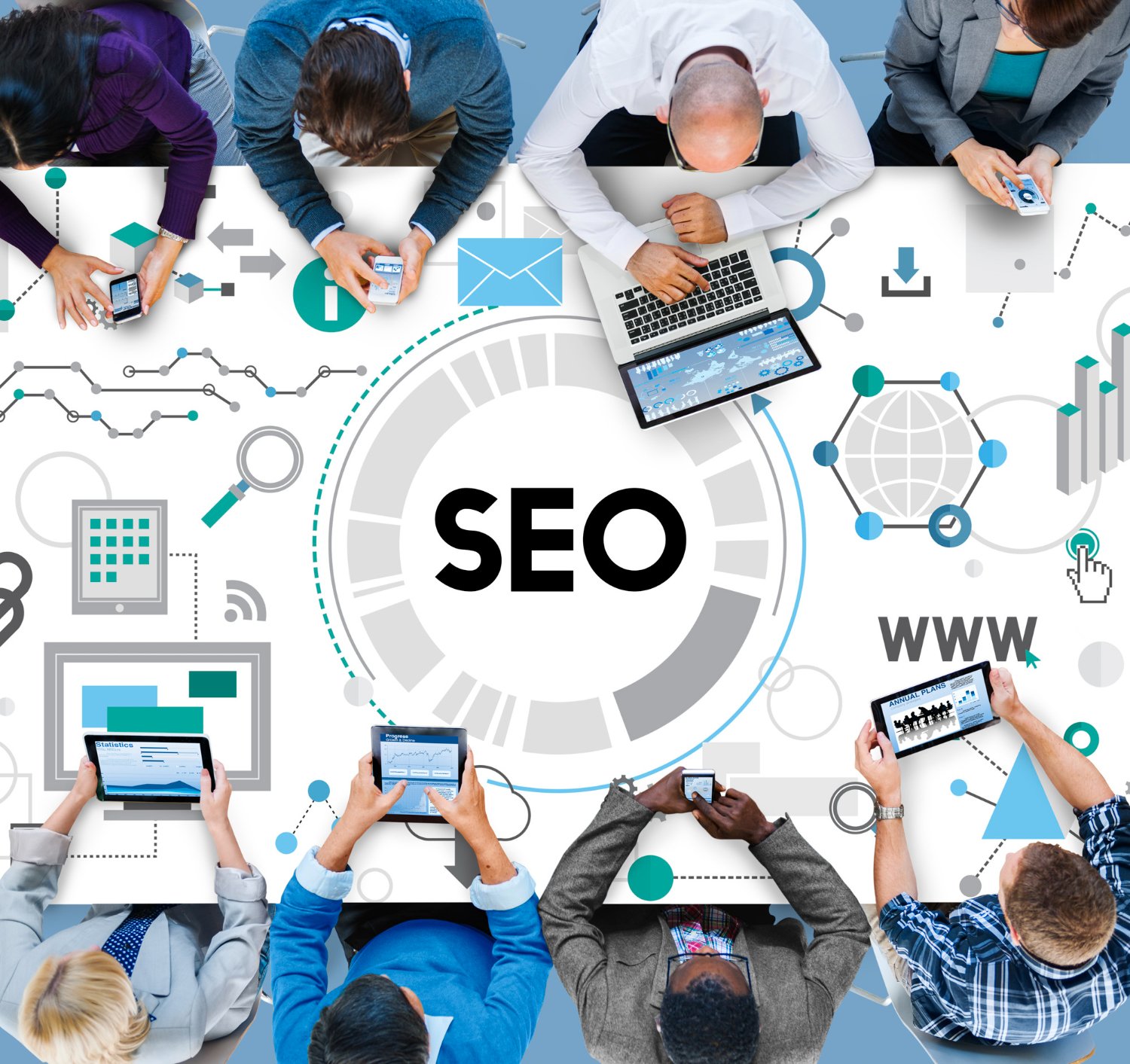
Determining the perfect blog post length for seo that will maximize its benefits and drive traffic can be a challenging endeavor. With the evolution of SEO practices, particularly after significant updates like Panda and Penguin, the length of a blog post is no longer a straightforward metric for success. At Stan Ventures, we’ve found that the ideal length depends largely on the topic at hand. If a thorough exploration of a subject requires a 2,000-word post, then that’s what should be done. Conversely, shorter, well-crafted posts can be highly effective for simpler topics. Here’s an exploration of how blog post length impacts SEO and how you can find the right balance for your content strategy. The Pre-Panda Era: Quantity Over Quality Before Google’s Panda update in 2011, the SEO strategy focused heavily on word count. The prevailing belief was that longer posts with abundant keywords had a better chance of ranking higher. This approach led many websites to publish lengthy, keyword-stuffed articles that often lacked real substance or value to readers. Post-Panda Era: Emphasis on Quality The introduction of Panda marked a paradigm shift, prioritizing content quality over sheer length. Panda targeted sites that engaged in keyword stuffing and rewarded those that provided valuable, relevant content. This update fundamentally changed the SEO landscape, making it clear that high-quality, informative content was more important than the number of words. The Rise of Pillar Content and Its Limitations In response to the Panda update, some websites began creating extensive pillar pages, expanding simple topics into overly detailed, lengthy posts of 2,500 to 5,000 words. This approach aimed to cover every possible aspect of a topic, but often led to content that readers found overwhelming and difficult to navigate. This trend contributed to Google’s introduction of featured snippets and zero-click results, which provided quick answers and shifted some traffic away from traditional top-ranking pages. The Impact of RankBrain: Relevance and Context With the rollout of Google’s RankBrain algorithm in 2015, the focus further shifted towards user intent and content relevance. RankBrain, part of Google’s core algorithm, evaluates how well content matches user queries in terms of relevance and context. This means that while long-form content can still be valuable, concise and directly relevant answers can also achieve high rankings. The key is to let the depth of the topic guide the length of the post. Striking the Right Balance: Practical Tips for Blog Post Length So, what’s the optimal length for your blog posts? Here are some tips to help you strike the right balance: Studies and Data on Blog Post Length Several studies provide insight into how blog post length affects SEO: Posting Frequency and SEO In addition to post length, the frequency of updates plays a crucial role in SEO. Here’s a guideline based on blog size and traffic: Consistency in posting helps search engines recognize your site as active, which can positively impact your rankings. Combine high-value content with effective off-page strategies, like acquiring quality backlinks, to enhance visibility and ranking potential. Conclusion There’s no one-size-fits-all answer to blog post length for SEO. The focus should always be on quality and relevance. By tailoring the length of your blog posts to the complexity of the topic and the needs of your audience, you can create content that not only ranks well but also provides real value. Read: How Can I Improve Website Ranking on Google in 2024?

Meta Introduces Cross-Posting Content from Instagram and Facebook to Threads
In a recent update reported by TechCrunch, Meta has launched a new feature allowing users to cross-post content from Instagram and Facebook to Threads. This functionality aims to streamline the sharing process across these platforms, enabling users to amplify their updates with a single action. The cross-posting option is now available to all users, though it must be manually enabled within the post settings on both Facebook and Instagram. This feature was tested in various forms over the past few months before its full rollout. Here are key details about the new cross-posting feature: While this feature offers a convenient way to manage updates across platforms, experts suggest that it may not always yield the best results. User behaviors and content preferences vary significantly between Facebook, Instagram, and Threads. Content that performs well on one platform might not be as effective on another. Therefore, creating tailored posts for each app, aligned with their specific usage trends and formatting, could yield better engagement. However, for those looking to save time or share updates that are universally relevant, cross-posting may be a practical solution. Users can access and activate the cross-posting feature through the advanced composer settings in the latest versions of the Facebook and Instagram apps.
How Can I Improve Website Ranking on Google in 2024?
Boost your website’s visibility in search engine results by applying these expert SEO strategies grounded in the E-E-A-T framework (Experience, Expertise, Authoritativeness, and Trustworthiness). By prioritizing these principles, you can significantly enhance your site’s performance on search engine results pages (SERPs) which eventually helps you to improve website ranking on Google. Best ways to Improve Website Ranking on Google in 2024 1. Publish High-Quality, Authoritative Content (Experience & Expertise) At the heart of effective SEO is the creation of high-quality content that reflects both your experience and expertise. Search engines reward content that is not only relevant but also authoritative and credible. To achieve this, focus on producing content that demonstrates your deep understanding of the subject matter and provides value to your audience. Showcase Your Experience:When crafting content, infuse it with your personal insights and real-world experience. For instance, if you’re writing about educational resources, share your own experiences or case studies that highlight your understanding of the topic. Expertise in Keyword Optimization:Identify key phrases that your target audience is likely to search for, and build your content around these terms. For example, if your page is about engineering education, use specific phrases like “online masters in engineering management” or “what is biomedical engineering?” to attract the right audience. Tailor Content for Specific Keywords:Rather than trying to rank a single page for multiple keywords, create separate, targeted pages for each keyword phrase. This approach allows you to dive deeper into each topic, showcasing your expertise and improving your chances of ranking highly for each term. Strategic Keyword Placement:Incorporate your chosen keywords naturally into the URL, title, headings, and body of the content. Ensure that the integration of these keywords enhances, rather than disrupts, the readability and user experience. 2. Keep Content Fresh and Relevant (Experience & Trustworthiness) Search engines favor websites that regularly update their content, as it signals ongoing relevance and trustworthiness. By keeping your content up-to-date, you show that your site is a reliable source of current information. Leverage Your Experience for Updates:Regularly audit your site’s content and update it with new information, insights, or developments in your field. For example, if you run a blog on engineering education, update old posts with the latest industry trends, new case studies, or recent regulatory changes. Blogging for Continuous Engagement:Maintain a blog where you can share timely updates and new insights. Blogging not only keeps your site content fresh but also allows you to demonstrate your ongoing expertise and engagement with the latest industry developments. Read: 10 Best Practices to Build a High Quality Ecommerce Website 3. Optimize Metadata with Authority in Mind (Authoritativeness & Trustworthiness) Metadata, which includes titles, descriptions, and alt tags, plays a crucial role in how search engines perceive your website. Optimizing this data reinforces your site’s authority and relevance in search results. Title Metadata as an Authority Signal:Your page titles should not only be descriptive but also reflect your site’s authority on the subject. Use titles that clearly indicate the expertise and reliability of your content. Description Metadata for Trust:Craft meta descriptions that concisely summarize your page’s content while emphasizing the trustworthiness of the information provided. A well-written description can increase click-through rates by reassuring users of the quality of your content. Alt Tags for Accessibility and Trust:Use alt tags to describe images and videos, ensuring your site is accessible to all users, including those with disabilities. This attention to detail enhances your site’s trustworthiness and user experience. 4. Build a Link-Worthy, Credible Site (Authoritativeness & Trustworthiness) A credible, well-structured website is more likely to earn links from other reputable sites, which can significantly boost your SEO. Focus on creating content that is both informative and unbiased, as this will naturally attract backlinks. Demonstrate Authoritativeness Through Links:Include links to high-quality, relevant sources within your content. These external links show that you’ve done your research and are connected to the broader community of experts in your field. Use Descriptive, Trust-Building Links:Avoid generic “click here” links. Instead, use descriptive phrases that incorporate keywords and reflect the content’s authority. For example, linking to “Michigan Tech Enterprise Program” rather than just “click here” adds value and reinforces trust. Monitor and Improve SEO Performance:Utilize tools like Google Search Console and Moz to track your site’s SEO performance. Regular monitoring allows you to make data-driven adjustments that enhance your site’s authority and search engine rankings. 5. Optimize for Mobile and Technical SEO (Experience & Trustworthiness) A mobile-responsive site that offers a seamless user experience is crucial in today’s digital landscape. Ensuring that your website performs well on mobile devices not only improves user satisfaction but also boosts your site’s trustworthiness. Mobile Optimization as an Experience Factor:Test your website’s mobile responsiveness using tools like Google’s Lighthouse. Ensure that images are optimized for fast loading, and that the site layout adapts well to various screen sizes. Technical SEO for a Trustworthy Site:Work with a skilled web development team to implement technical SEO best practices, such as compressing images, minimizing HTTP requests, and using clean URL structures. A technically sound website is not only easier for search engines to crawl but also more trustworthy to users. Content Creation vs. Off-Page SEO: Prioritizing Long-Term Value While off-page SEO, such as link-building and social signals, has its place, prioritizing content creation offers greater long-term value. By focusing on creating high-quality, relevant content, you establish your brand as a trusted authority, attract engaged users, and encourage organic growth. Why Experience and Expertise Matter More:Quality content that reflects your experience and expertise is more likely to resonate with your audience, leading to repeat visits and shares. This approach builds trust and credibility over time, which is more sustainable than relying solely on off-page SEO tactics.

10 Best Practices to Build a High Quality Ecommerce Website
Is your online store designed to convert casual visitors into loyal customers? Your Ecommerce website is the ultimate game-changer – a dynamic platform where brand stories unfold, customer relationships are nurtured, and sales soar. With the majority of internet users now shopping online, the competition is fierce. To stand out from the crowd, your ecommerce site must be a masterclass in user experience, a showcase of your brand’s personality, and a powerhouse of performance. Here are the top 10 secrets to build a high quality ecommerce website to create an unforgettable online store that drives results. Ecommerce Website Best Practices 1. High-Quality Product Images Shoppers can’t physically touch or see the product in an online store, so the quality of your product images is paramount. Provide multiple high-resolution images with zoom options to help customers feel confident in their purchase. A well-photographed product can significantly reduce return rates due to unmet expectations. 2. Customer Reviews Integrating customer reviews on your product pages can boost sales by up to 18%. Positive reviews build trust, while the presence of a few negative ones can add authenticity, as 30% of shoppers are suspicious of products with only glowing reviews. Additionally, reviews contribute to fresh, user-generated content that benefits your SEO. (Source: Kellycreates) 3. Simplified Checkout Process A complicated or lengthy checkout process is one of the main reasons for cart abandonment, which affects 67.4% of online shoppers. To improve conversions, ensure your checkout process is short and transparent—no hidden fees, an option to check out as a guest, and ideally, no more than five steps. 4. Clear Return Policies A well-defined and customer-friendly return policy can significantly impact customer loyalty by reducing the perceived risk of online purchases. Make sure your return policy is easy to find and clearly written in straightforward language, so customers understand their rights and the return process. Offering a generous return window or hassle-free returns can boost customer confidence, turning first-time buyers into repeat customers who trust your brand and feel reassured that their satisfaction is a priority. 5. Intuitive Navigation Good navigation is key to a smooth shopping experience. Organize your products into broad categories and relevant subcategories to make it easy for users to find what they’re looking for. Include links to similar or complementary products on product pages to encourage additional purchases. 6. Responsive Design With mobile devices accounting for a significant portion of online traffic, a responsive design is non-negotiable. Ensure your website provides an optimal viewing experience across all devices—desktop, tablet, or mobile. Not only does this improve user experience, but it also positively impacts your SEO. 7. SEO Optimization A beautiful website is only effective if people can find it. SEO should be a core component of your ecommerce strategy, ensuring your site ranks well in search engine results. Unlike Pay-Per-Click advertising, SEO is a long-term investment that continuously drives organic traffic. 8. Fast Loading Speed Website speed is crucial to retaining customers. A slow-loading site can quickly frustrate users, leading to higher bounce rates and lost sales. To ensure your site performs well, optimize your images for faster loading, leverage browser caching, and minimize HTTP requests. These steps help your website load efficiently, providing a seamless user experience that keeps customers engaged and more likely to complete their purchases. 9. Secure Payment Gateway Security is a top concern for online shoppers. Use a trusted and secure payment gateway to protect customer data and build trust. Display security badges and ensure your site has an SSL certificate to reassure customers that their transactions are safe. 10. Compelling Calls-to-Action (CTAs) Your website’s CTAs should be clear, compelling, and strategically placed to guide users through the purchasing process. Whether it’s a “Buy Now” button or an “Add to Cart” prompt, make sure your CTAs stand out and encourage users to take the next step. Final Thought Incorporating these best practices to build a high quality ecommerce website design can significantly enhance the user experience, build trust, and ultimately increase sales. Remember, your website is often the first interaction a customer has with your brand—make it count. If you’re ready to elevate your online store, consider working with a web design company that understands these critical elements and can tailor them to your business needs. Also Read: Content Repurposing Guide 2024: Breathing New Life into Your Ideas

Meta Enhances WhatsApp with New Sticker Feature and AI Integration
As WhatsApp continues to grow in popularity, particularly in Western markets, Meta is gradually introducing new functionalities to enhance user experience and expand the app’s capabilities. The latest focus in this expansion is on WhatsApp New sticker Feature, with Meta rolling out a series of updates that add animated GIFs, custom sticker-making tools, and AI-generated creations to the messaging platform. One of the key updates is the integration of animated stickers from Giphy. This addition allows WhatsApp users to liven up their message threads with a wide range of trending and topical GIFs. Although WhatsApp has supported animated stickers for some time, including the Meta Avatar stickers introduced last year, the direct Giphy integration provides users with a much broader selection of dynamic visuals to enhance their conversations. In addition to animated stickers, WhatsApp is now making its custom sticker maker available on Android. Initially launched on iOS last year, this feature enables users to transform their photos into personalized stickers, offering greater creative freedom and customization in their chats. Meta is also exploring the potential of AI in sticker generation, with new AI sticker tools currently being tested in selected markets. These tools allow users to create unique, animation-style images based on text prompts, reflecting Meta’s ongoing efforts to integrate generative AI technologies across its platforms. Alongside these new features, WhatsApp is improving its sticker preview process, giving users more flexibility to view and organize sticker packs before downloading them. The update also includes an option to easily reorder or delete stickers in the tray, ensuring a more streamlined user experience. While these updates may not revolutionize the messaging landscape, they represent another step in Meta’s strategy to build upon WhatsApp’s core functionality. By aligning with current communication trends and offering users new creative tools, Meta aims to encourage more diverse behaviors within WhatsApp. Ultimately, Meta hopes to drive greater engagement in commercial activities on the platform, positioning WhatsApp as a key player in the business and e-commerce sectors. As WhatsApp continues to evolve, Meta’s long-term goal is to replicate the success of messaging apps like WeChat in Western markets, where similar functionalities could eventually lead to increased user adoption and expanded platform capabilities. Read: Meta Eliminates Detailed Targeting Exclusions from Ad Campaigns, Boosting AI-Driven Ad Performance

Google Unveils Enhanced “Trending Now Feature” for Real-Time Search Insights
Google has launched a significant update to its “Trending Now Feature”,within Google Trends that provides users with real-time search insights into search terms experiencing notable surges in popularity. This enhancement offers valuable data for advertisers, SEO professionals, and content creators, helping them stay ahead of the curve by identifying emerging trends relevant to their industry or region. The updated “Trending Now” tool boasts a refreshed interface that delivers more detailed information on each trending term. Users can now see how long a topic has been trending, along with the total search volume, offering a clearer picture of the term’s impact. The tool also allows users to hover over any listed term to view a quick trend overview chart, or tap to expand a comprehensive breakdown, which includes search volume details and relevant links. One of the key features of the updated tool is the ability to filter trends by region, as well as by time frame, ranging from the past 4 hours to the last week. This granularity enables users to tailor their search to their specific needs, whether they are looking to tap into immediate trends or analyze longer-term patterns. According to Google, the “Trending Now” tool is powered by a cutting-edge trend forecasting engine that detects 10 times as many emerging trends as before. The data refreshes every 10 minutes on average, ensuring that users are always up to date with the latest search dynamics. Google’s enhanced “Trending Now” tool is designed to be a valuable resource for maintaining a culturally relevant social media presence. By keeping tabs on what’s trending, businesses and marketers can find inspiration for their next content pieces, ensuring they resonate with their audience’s current interests. The new display is now available in 125 countries, making it a powerful tool for global as well as local marketing efforts. Whether you’re looking to optimize your SEO strategy, plan your next ad campaign, or simply stay informed about the latest trends in your industry, Google’s updated “Trending Now” tool is a must-bookmark resource for anyone looking to leverage real-time search data. This latest update to Google Trends underscores the importance of staying connected to evolving online behaviors, and with these new capabilities, users can gain deeper insights to inform their strategic decisions. Read: Content Repurposing Guide 2024: Breathing New Life into Your Ideas

Meta Eliminates Detailed Targeting Exclusions from Ad Campaigns, Boosting AI-Driven Ad Performance
Meta has officially removed detailed targeting exclusions from all new ad campaigns, marking a significant shift in how advertisers can refine their audience selections. While the change had been anticipated for some time, Meta only recently confirmed the update, which was quietly implemented earlier this year. Detailed targeting exclusions previously allowed advertisers to exclude specific demographics, interests, or behaviors from their ad audience, offering more granular control over who saw their ads. However, Meta has found that these exclusions often hindered ad performance rather than enhancing it. According to Meta’s data, campaigns without detailed targeting exclusions saw a 22.6% improvement in median cost per conversion. This suggests that Meta’s advanced AI-driven targeting systems are now more effective at reaching the right users without the need for manual exclusions. The move aligns with Meta’s broader vision for ad automation. As Meta’s AI systems continue to evolve, the company is leaning more into automated processes, including its Advantage+ campaigns, which generate optimized ads with minimal input from advertisers. In the future, advertisers might only need to provide a product URL, with Meta’s AI handling the rest of the campaign creation. While the removal of detailed targeting exclusions might seem counterintuitive to some marketers, Meta’s data suggests that this change could lead to better ad performance overall. Existing campaigns using audience exclusions will remain unaffected until January 31, 2025, after which they will stop delivering unless modified. For advertisers, the shift highlights the increasing importance of trusting AI-driven solutions to optimize ad campaigns, potentially leading to more efficient and effective advertising strategies on Meta’s platforms. Read: Content Repurposing Guide 2024: Breathing New Life into Your Ideas
Instagram Expands Carousel Post Capacity to 20 Frames
Instagram has officially announced to expand carousel post capacity, allowing creators to include up to 20 frames in a single carousel post. This new update offers users more flexibility and space to share content on a specific theme or topic, significantly increasing the storytelling potential on the platform. Previously, Instagram limited carousels to 10 photos or videos per post. However, in March of this year, the platform increased the limit to 15 frames, and now, after months of testing, Instagram is rolling out the 20-frame capacity to all users. This expanded option has already been available to a select group of users, and now, it will be accessible to everyone on the platform. The new carousel expansion comes alongside other recent updates, including the addition of text overlays within carousels and variable presentation formats, which allow for more dynamic and visually appealing content. With these updates, Instagram is positioning its carousel feature as a more versatile tool for content creators, enabling them to craft detailed and engaging visual narratives. The increase to 20 frames transforms the carousel into what is essentially a live photo album, ideal for sharing in-depth coverage of events, trips, or any experience that benefits from a more comprehensive visual presentation. This change could lead to new and creative uses of the carousel format, offering more immersive experiences for users. As Instagram continues to evolve, it will be interesting to see how creators and audiences respond to these expanded capabilities. The 20-frame carousel could become a powerful tool for storytelling on the platform, further enhancing Instagram’s appeal as a hub for visual content. Read: Threads Hits 200 Million Users Amid Surging Growth